
If you are needing to add a number to the 'Blacklisted Numbers' list to block all calls coming in from that number.
Please follow these instructions:
First, you will need to log into the Administration Console (see link for instruction)
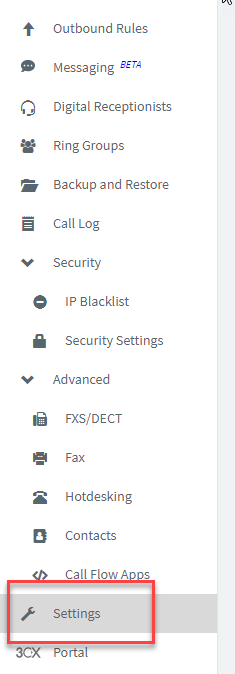
Once you have access to the Admin Console, go to the 'Settings' page.
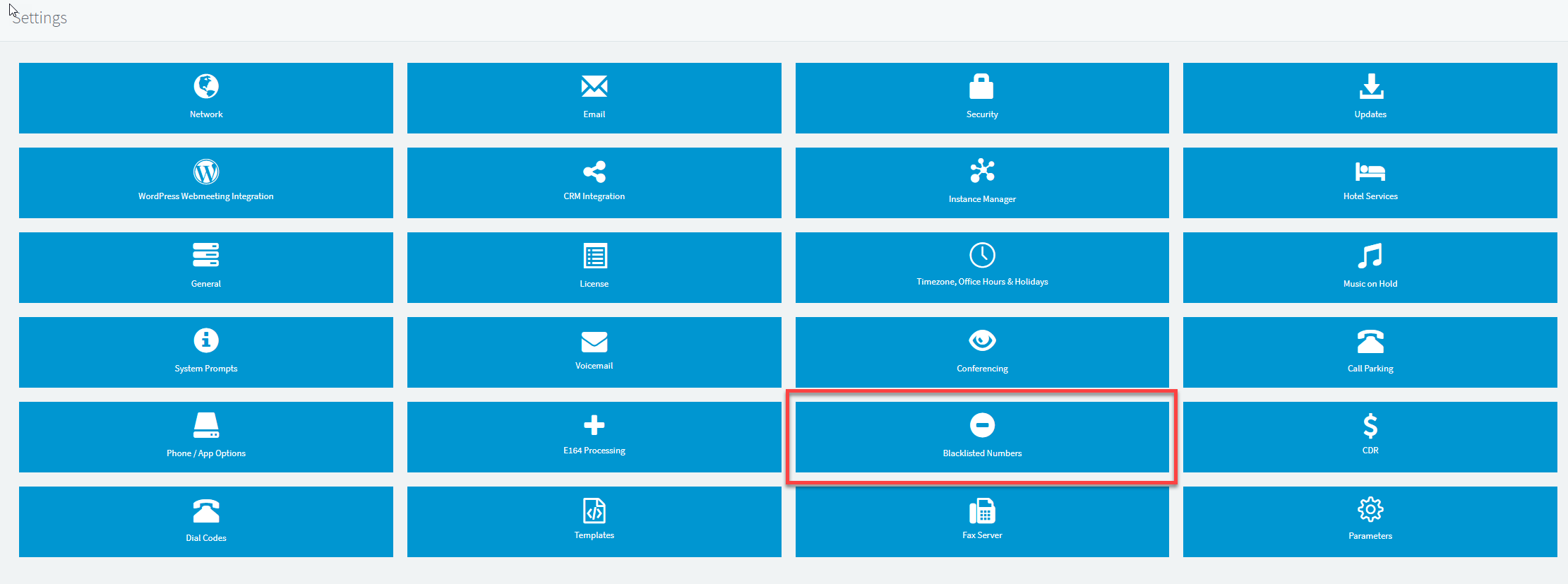
Within the 'Settings' page, find the option for 'Blacklisted Numbers' and select this.
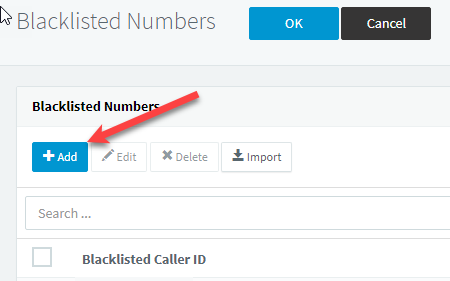
Next, click 'Add', This will give you the option to input the desired number and a brief description.
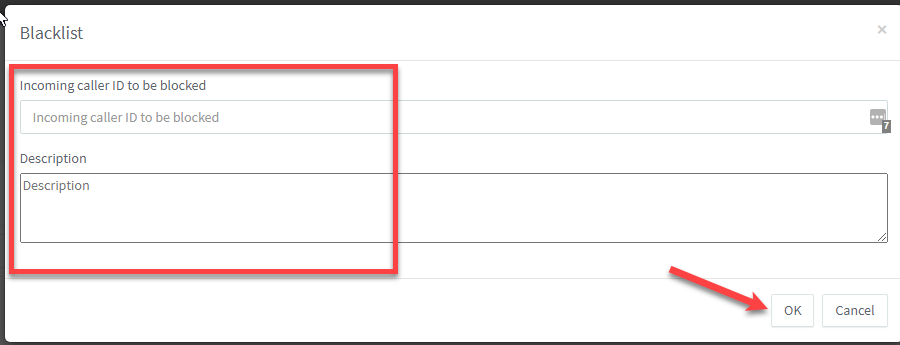
Click 'OK' to finish.
This concludes the Process to add a number to the 'Blacklisted Numbers' list.
If you have any questions or issues with this process, please contact M1IT Systems at support@m1it.com.au
Comments
0 comments
Please sign in to leave a comment.