
To set the global office hours. you will need to log into the 3CX Management Console.
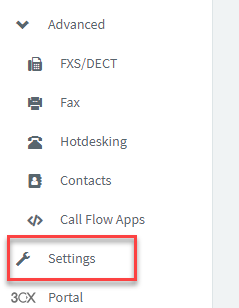
After you have logged into the 3CX Management Console, go to the 'Settings' tab on the left hand side.
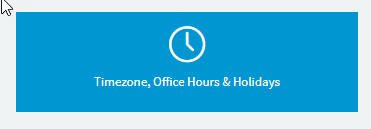
Within the Settings page, find the 'Timezone, Office Hours & Holidays' section.
From this page you can see that you can set the Office hours by clicking on the blue text under each day.
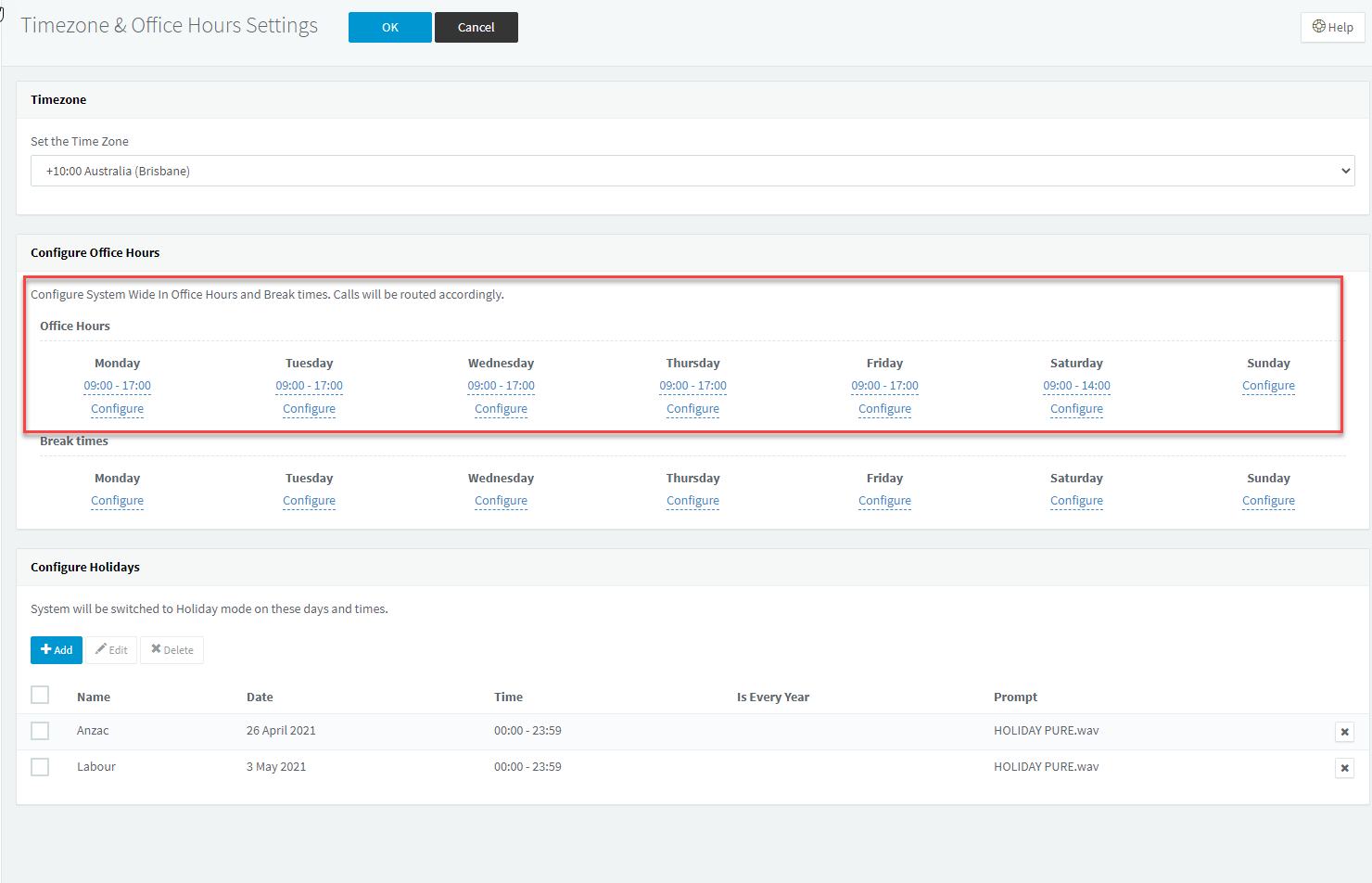
- Please note that if you wish to change the existing hours you will fist need to delete the existing hours and then set the new times.
Once you have finished setting the times click the 'OK' button found at the top of the page.
This concludes setting the Global Office hours.
If you have any issues or questions on this process please contact M1IT at support@m1it.com.au
Comments
0 comments
Please sign in to leave a comment.