
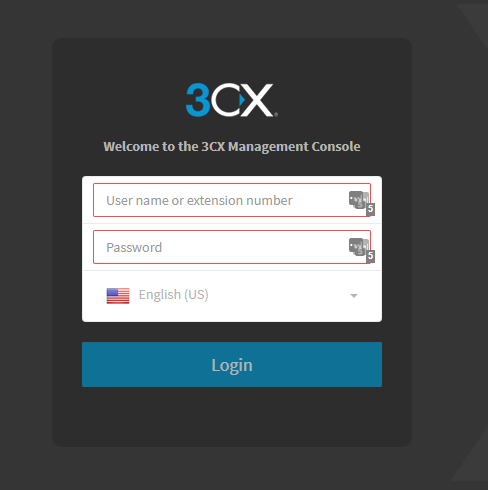
To change the destination for the inbound calls you will first need to log into the 3CX Management console.
1. Log into the Management Console, you will need to enter you 3CX URL into your desired browser.
You will also need to be granted permissions to use the Management Console.
https://<client name>.3cx.com.au
The Username and password are the same that you were sent within the 'Welcome to 3cx' email.
They are also the same as the details used to log into the Web Client.
Username = Extension number
2. Navigate to the 'Inbound Rules' tab on the left code on the console.
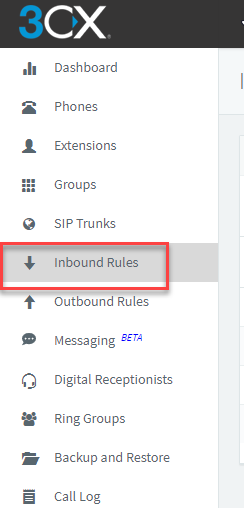
Once loaded you will see the different Inbound Rules and the destinations during and after office hours.

3. Select the Inbound rule that you wish to change. Then you cal see the 'Route calls to' options for the different conditions.
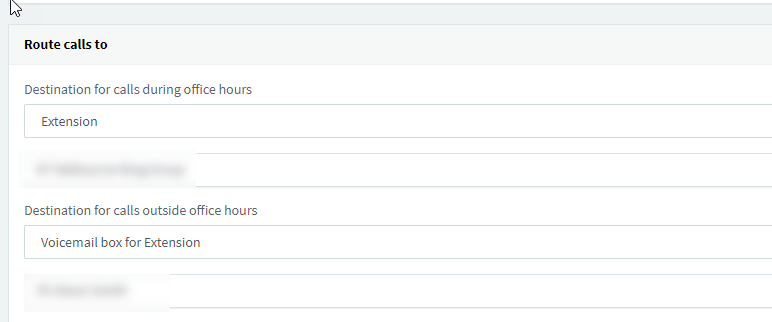
Select the desired effect then select 'OK'
If you have any issues or questions in regards to this process, please contact M1IT Systems on support@m1it.com.au
Comments
0 comments
Please sign in to leave a comment.