
By default the normal function for after hours calls is that it can only direct to an extension or voicemail for an extension. You can set these under the Main Truck or under the individual 'Inbound Rules' depending on your setup.
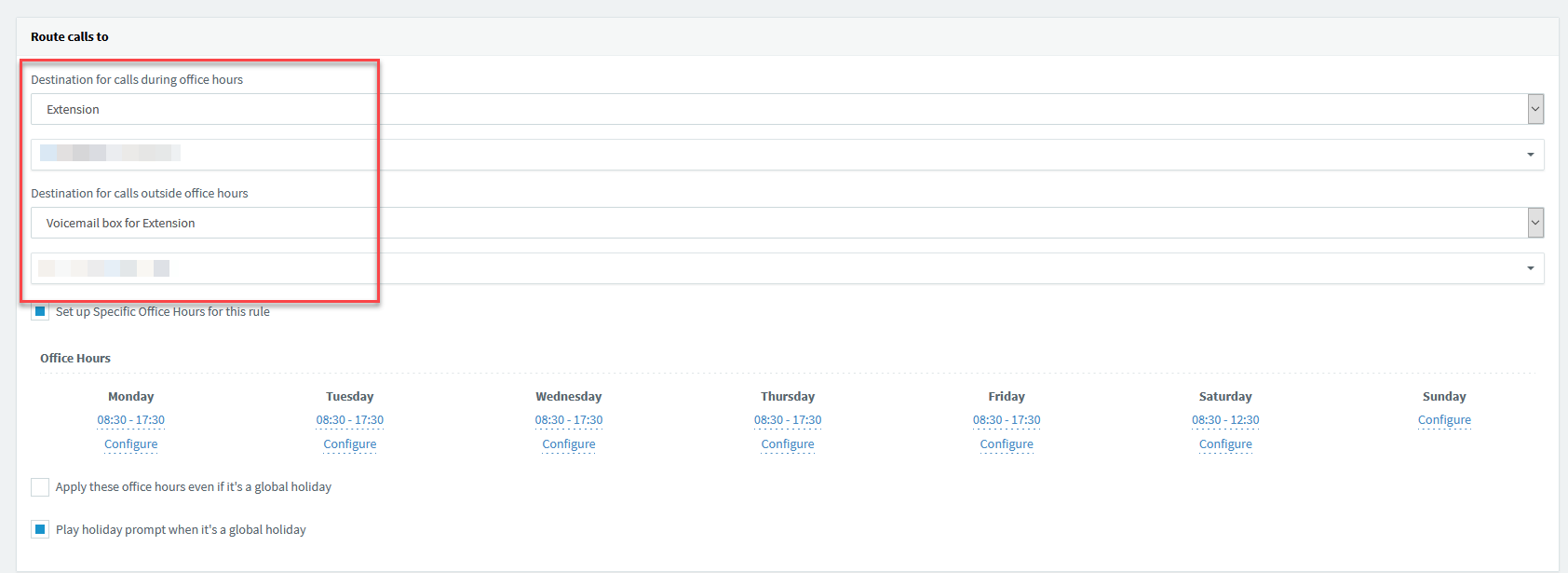
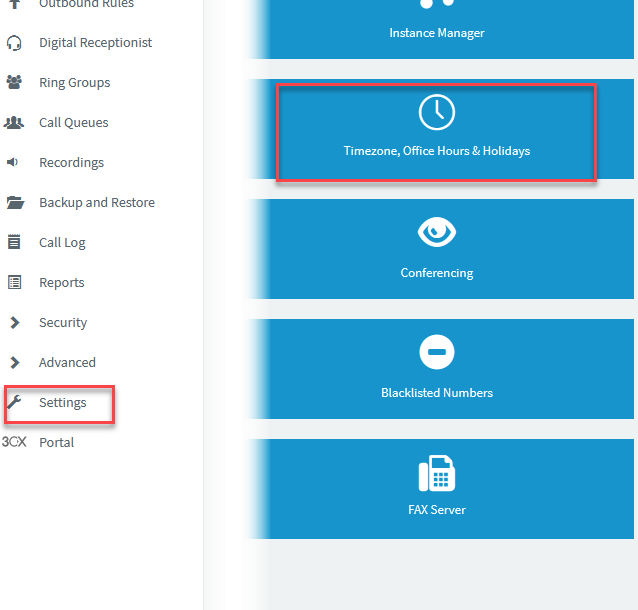
When setting the holiday schedule for out of office, you have a few different option on how you would like this to function. You will find this setting under 'Settings' then 'Timezone, Office hours & Holidays'.
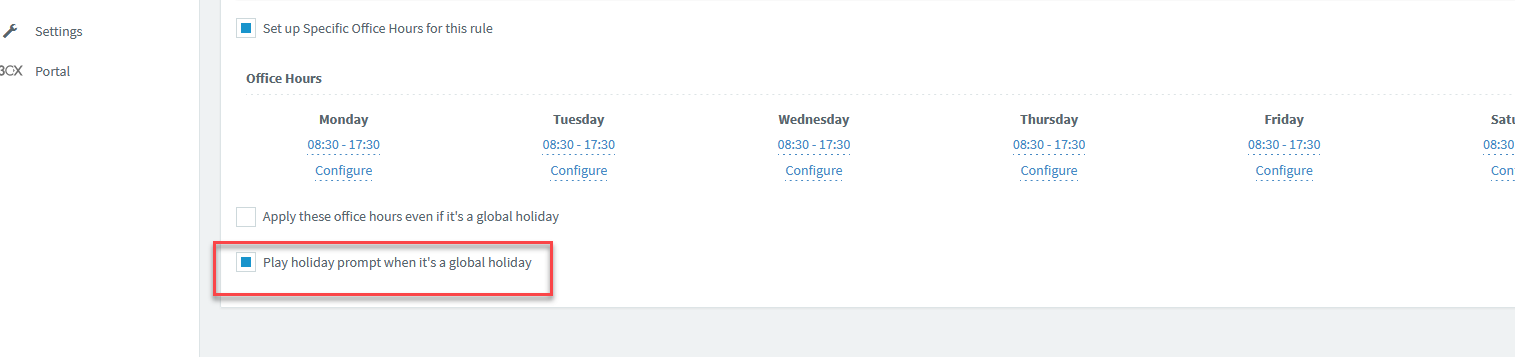
Please note that for this function to work you need to enable the 'Play Holiday Prompt when it is a global Holiday' that you will find under the Main Trunk or under the individual Inbound Rules.
1. Play a prompt then end the call.
This is the basic setup when you set the parameters for the Holiday and then set an audio recording to be played.
2. Divert to the 'Digital Receptionist' (IVR).
You can have the holiday Out of office set to divert to the Digital receptionist (IVR) to play a prompt and then give the user options to press. An example would be to leave a voicemail message or divert to an emergency number.
For this to work, you set the Holiday Schedule as you would in option 1 but you would leave the Audio Recording drop down as blank.
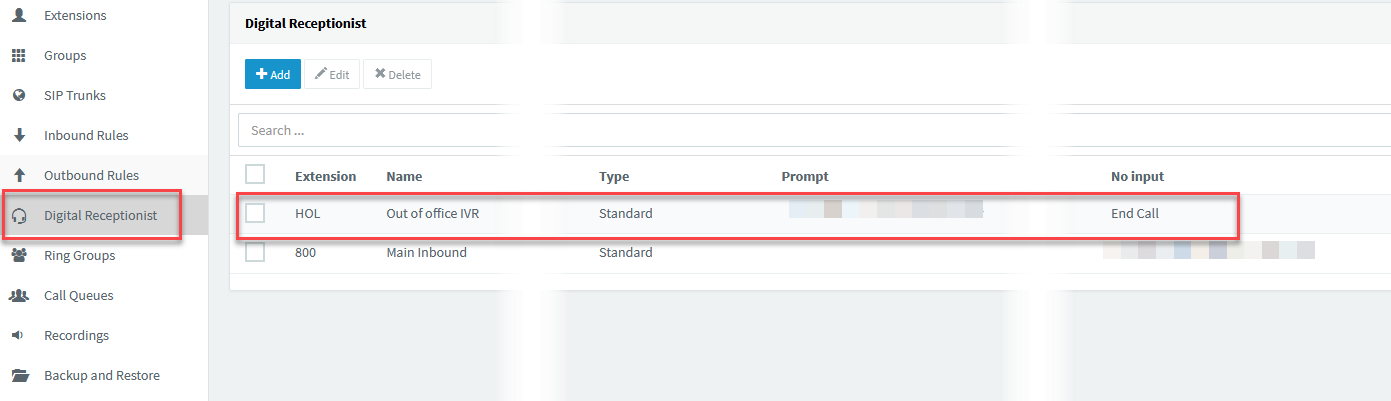
The IVR that you would use for this function is the 'HOL' IVR that you will see at the top of the list.
If you have any issues or questions with the process, please contact M1IT Systems on support@m1it.com.au
Comments
0 comments
Please sign in to leave a comment.