
This process will test if your current network setup is compatible with 3CX
NOTE - you must have Admin Panel access to perform this task.
1. Login to the Admin Portal at:
https://<company_name>.3cx.com.au/#/login
*If you need to find your URL, please ask M1IT
2. Use you Login (Extension Number) and password to login.
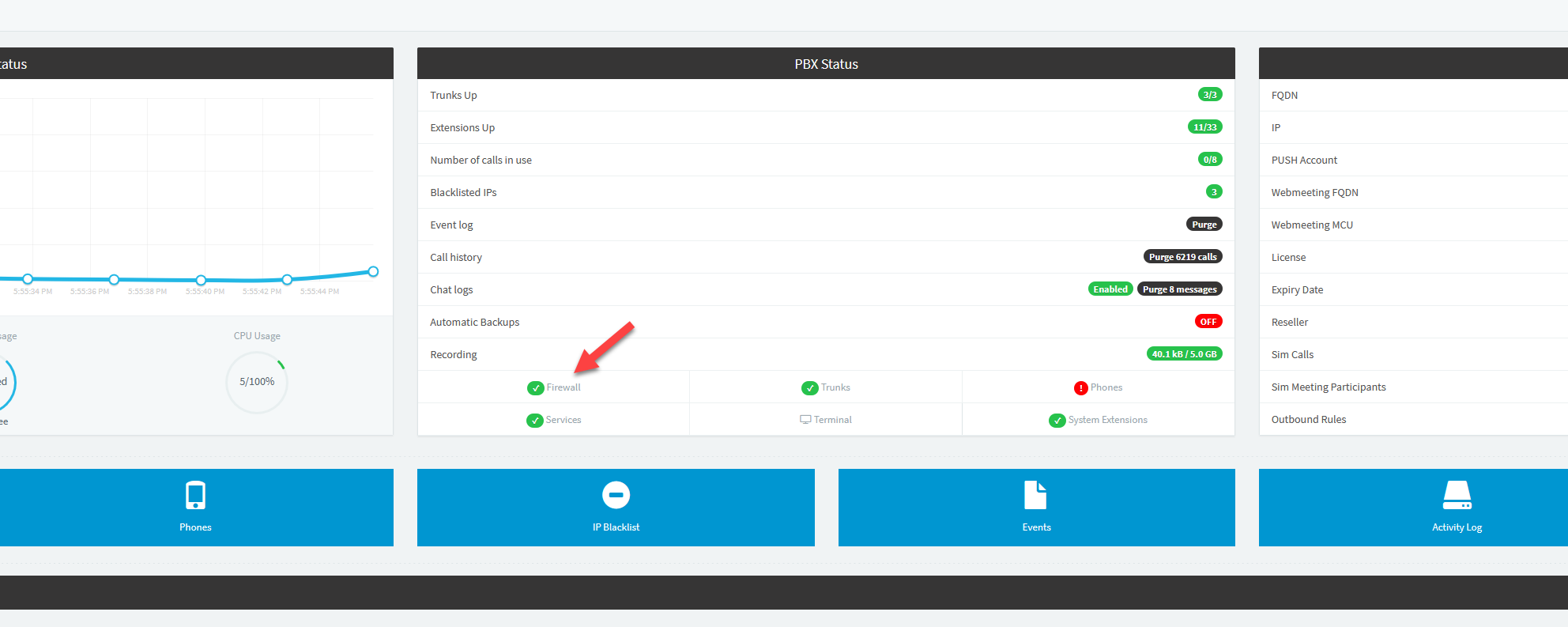
3. From the 'Dashboard' page click the 'Firewall' link
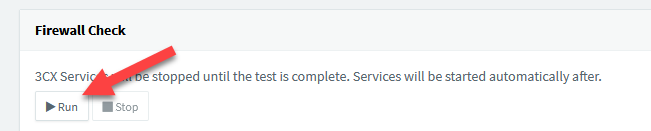
4. From the 'Firewall' page click the 'Run' button for the 'Firewall' check
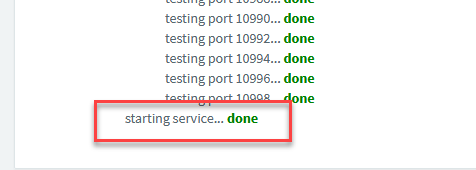
5. Once the 'Firewall Check' is complete you will see the 'Starting Services: Done' prompt at the bottom on the checks.
6. At this point, please review each check and report to M1IT of any that report back as 'failed'.
NOTE - this check will take the 3CX phone system offline so it needs to be performed outside of office hours and only one person at a time.
Please send your results to 'support@m1it.com.au'
Comments
0 comments
Please sign in to leave a comment.