
Creating BLF's from within the Web Client
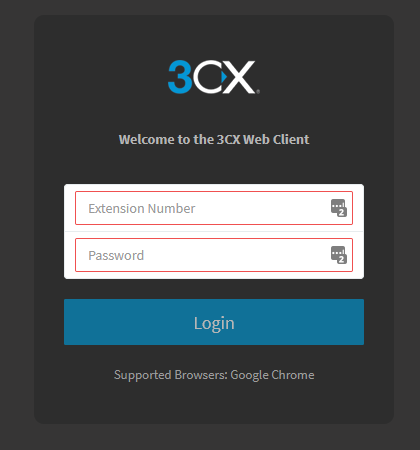
1. Log into the Web Client via:
https://<CompanyName>.3cx.com.au/webclient/
with the User Credentials supplied by M1 IT Systems.
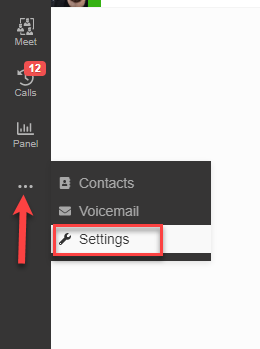
2. Once the Web Client has loaded, you will find the options for BLF's under the 'Settings' page then select 'BLF'.
3. Within the 'BLF' tab, you will see drop-down options for each of the BLF's for this extension.
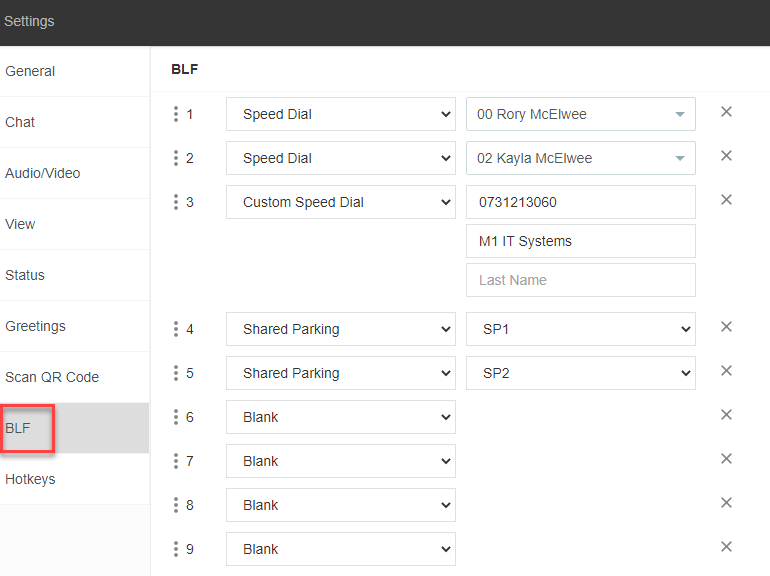
Here is a quick description for each of the BLF options:
Blank
- Leaving this option will set no BLF for this button. (use if wanting a separator between BLF's)
Line Key
- This option is not supported by the current setup.
BLF
- Shows the status of another extension.
Speed Dial
- Set for speed dial to a selected extension (internal).
Custom Speed Dial
- Set for speed dial to a custom number (external).
Shared Parking
- Linked to a shared parking number. Used for parking a call for someone else to answer.
Agent Login/Logout
- Assign for agent to login and out of the call queues.
Change Status
- Assign a button to a certain status e.g. Away or Available.
Please note that if there are more BLF's then the screen of the desk phone can support, the last BLF will be assigned a 'Next Page' link to move to the next page.
4. You should see the selected BLF's now on your desk phone.
Creating BLF's from within the Admin Portal
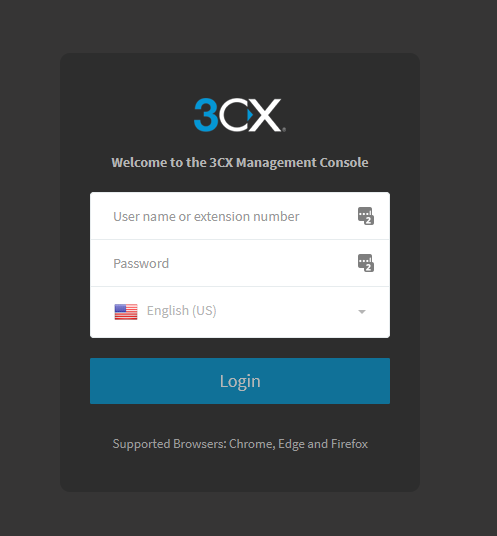
1. Log into the Management Console via:
https://<CompanyName>.3cx.com.au/ using the Admin Credentials supplied by M1 IT Systems.
2. Once the Management Console has loaded, you will find the options for BLF's under the 'Extensions' page then select the extension you wish to change.
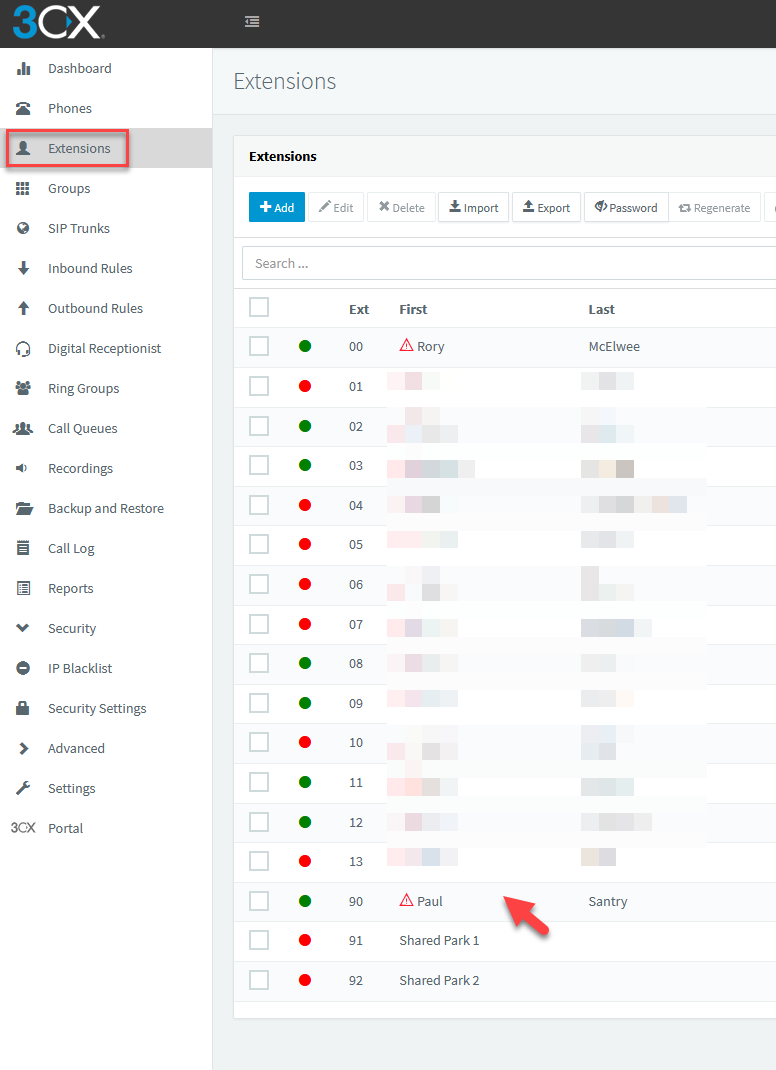
3. when you are within the desired extension, click on the 'BLF' tab at the top.

4. Within the 'BLF' tab, you will see drop-down options for each of the BLF's for this extension.
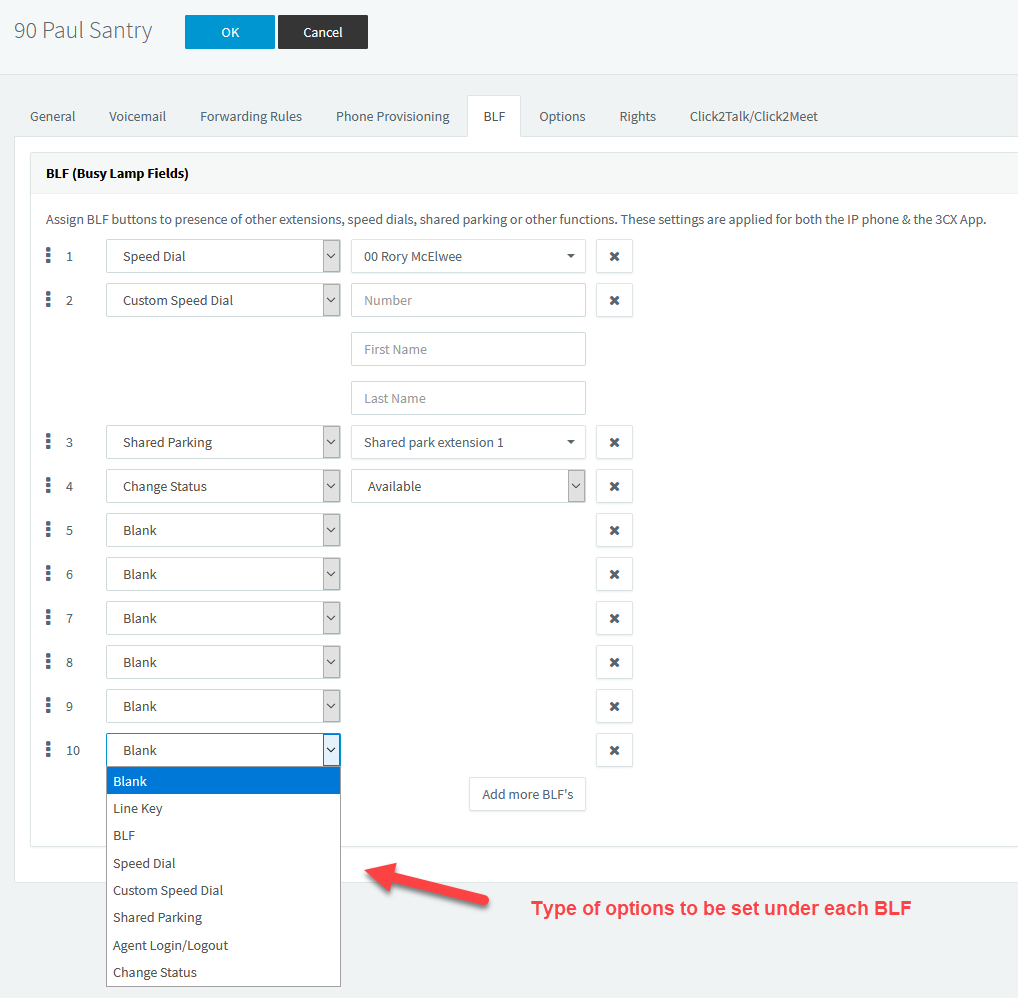
Here is a quick description for each of the BLF options:
Blank
- Leaving this option will set no BLF for this button. (use if wanting a separator between BLF's)
Line Key
- This option is not supported by the current setup.
BLF
- Shows the status of another extension.
Speed Dial
- Set for speed dial to a selected extension (internal).
Custom Speed Dial
- Set for speed dial to a custom number (external).
Shared Parking
- Linked to a shared parking number. Used for parking a call for someone else to answer.
Agent Login/Logout
- Assign for agent to login and out of the call queues.
Change Status
- Assign a button to a certain status e.g. Away or Available.
Please note that if there are more BLF's then the screen of the desk phone can support, the last BLF will be assigned a 'Next Page' link to move to the next page.
5. Once you have assigned your selected BLF's, click 'OK'. You should see the selected BLF's now on your desk phone.
Comments
0 comments
Article is closed for comments.