
To access your remote server from an Apple Mac, you will need to follow these instructions.
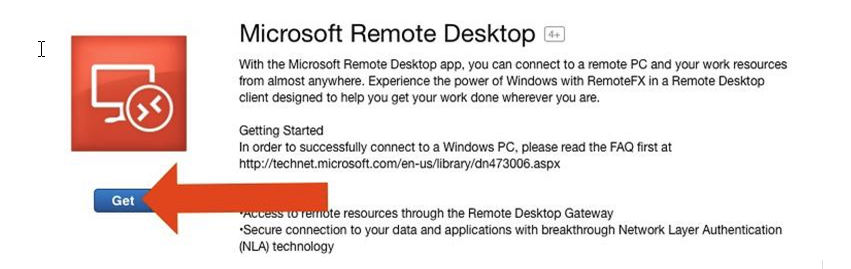
1. Download the 'Microsoft Remote desktop' app from the 'App Store'.
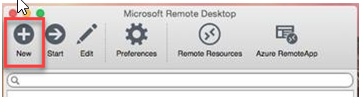
2. Once installed, run the app then click the + button at the top to add a connection.
3. Enter the details provided by M1IT Systems
Connection Name: (Label of the connection, can by anything)
PC Name: (Request from M1IT Systems)
User Name: (Request from M1IT Systems)
Password: (password)
4. Once complete then you will need to double click the new connection to start the remote session.
Comments
0 comments
Please sign in to leave a comment.