
In order to send a fax using eFax you need to follow the procedure below.
1. Create a new email and address the email with your attachment in the following format recipientsfaxnumber@efaxsend.com
Example 1: If you are trying to send a fax to 1300 133 841 you would need to send the email with your attachment to 611300133841@efaxsend.com
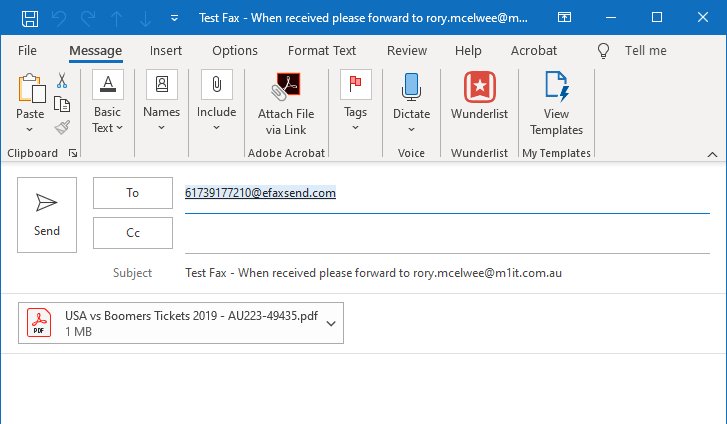
Example 2: If you are trying to send a fax to 07 3917 7210 you would need to send the email to 61739177210@efaxsend.com as per the screen shot below.
2. Once you have sent the email you will receive a confirmation of the success/failure of the fax via return email
Comments
0 comments
Please sign in to leave a comment.