
Global Edit
To perform a global edit on a range of record
- Perform the search to display the records that you will want to edit.
- Select all the records that you wish to global edit
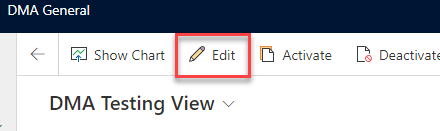
- Once you have selected the records, click the ‘Edit’ button along the top of the data area
- The edit box will show on the Right side. Make changes to the fields.
- Click ‘Save’
Comments
0 comments
Please sign in to leave a comment.